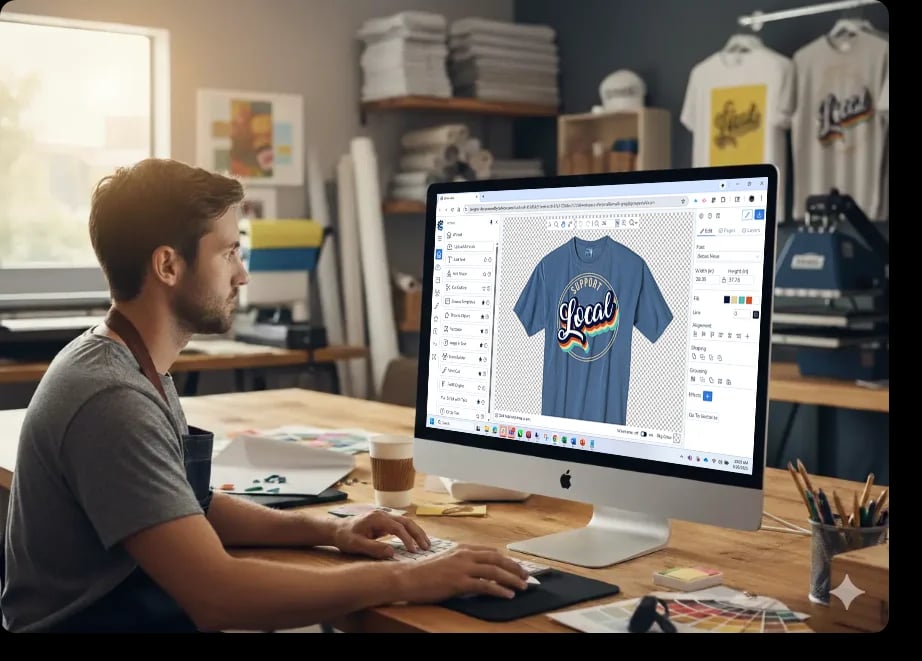
Why Choose Cadworxlive

The Only FREE All-in-One Platform
From ideation to production, Cadworxlive handles your entire workflow.
Proven Performance
Over 17 years in service, trusted by more than 100,000 members, producing more than 3.3 million production ready designs.
Production-Ready Art
Create designs optimized for heat transfer vinyl, screen printing, digital printing, print & cut, engraving and more.
Built on Industry Expertise
Backed by the world's most recommended garment decoration company.
Unlimited, Secure Storage
Collaborate, create and store your work securely in the cloud.
Dedicated Support
Integrated support to keep you moving.
No membership fees, no steep learning curves,
just simple, yet powerful tools for your
custom products business.
Design Tools for Makers
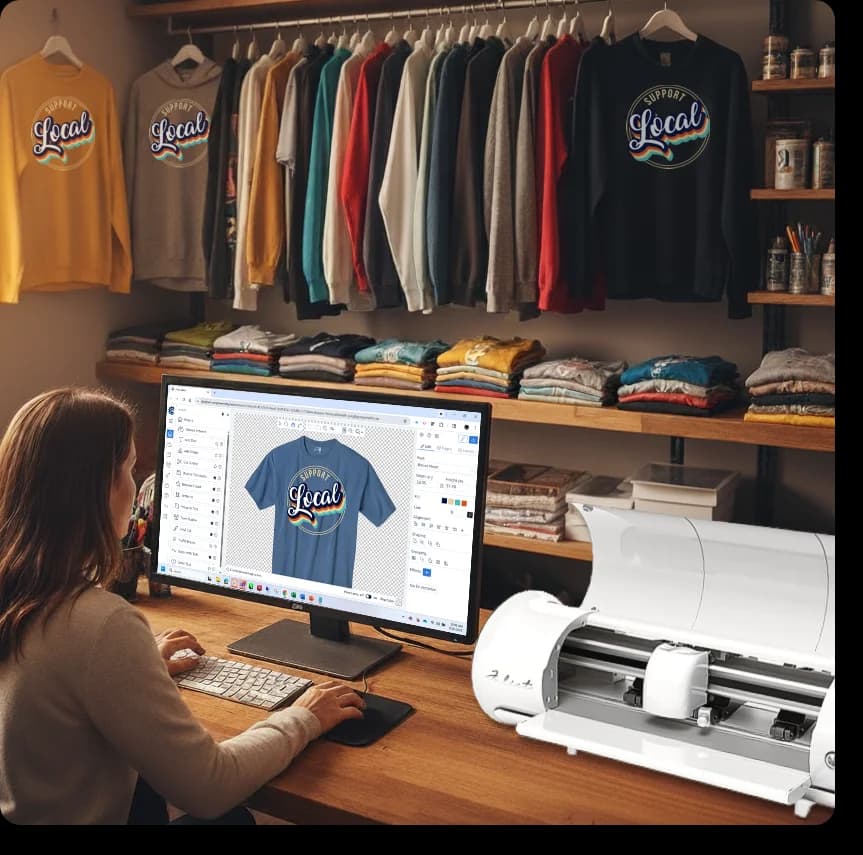
Cadworxlive includes DrawMate®, a simple yet powerful online designer packed with features to bring your ideas to life.

Advanced Text Editing
Rotate, align, shape, group, and arrange text with ease.
Upload & Export Flexibility
Support for popular file formats including .pdf, .png, .jpg, .svg, .ai, .eps, and more.
Industry-Leading Text Effects
Contour, drop shadow, vertical arch, classic arc, circle text, split-front and more.
Design Assets
Includes an ever expanding gallery of royalty free clip arts, design templates, and fonts.
Specialized Tools
Vectorizer, rasterizer, node editing, cut outline, and pre-set sizing.
Wizards & Plug-ins
Image-in-text, team builder, circle text, and script-with-tails wizards for effortless designs.
Gang Sheet Builder
Optimize material usage for cost-effective production.
Design for Every Production Method
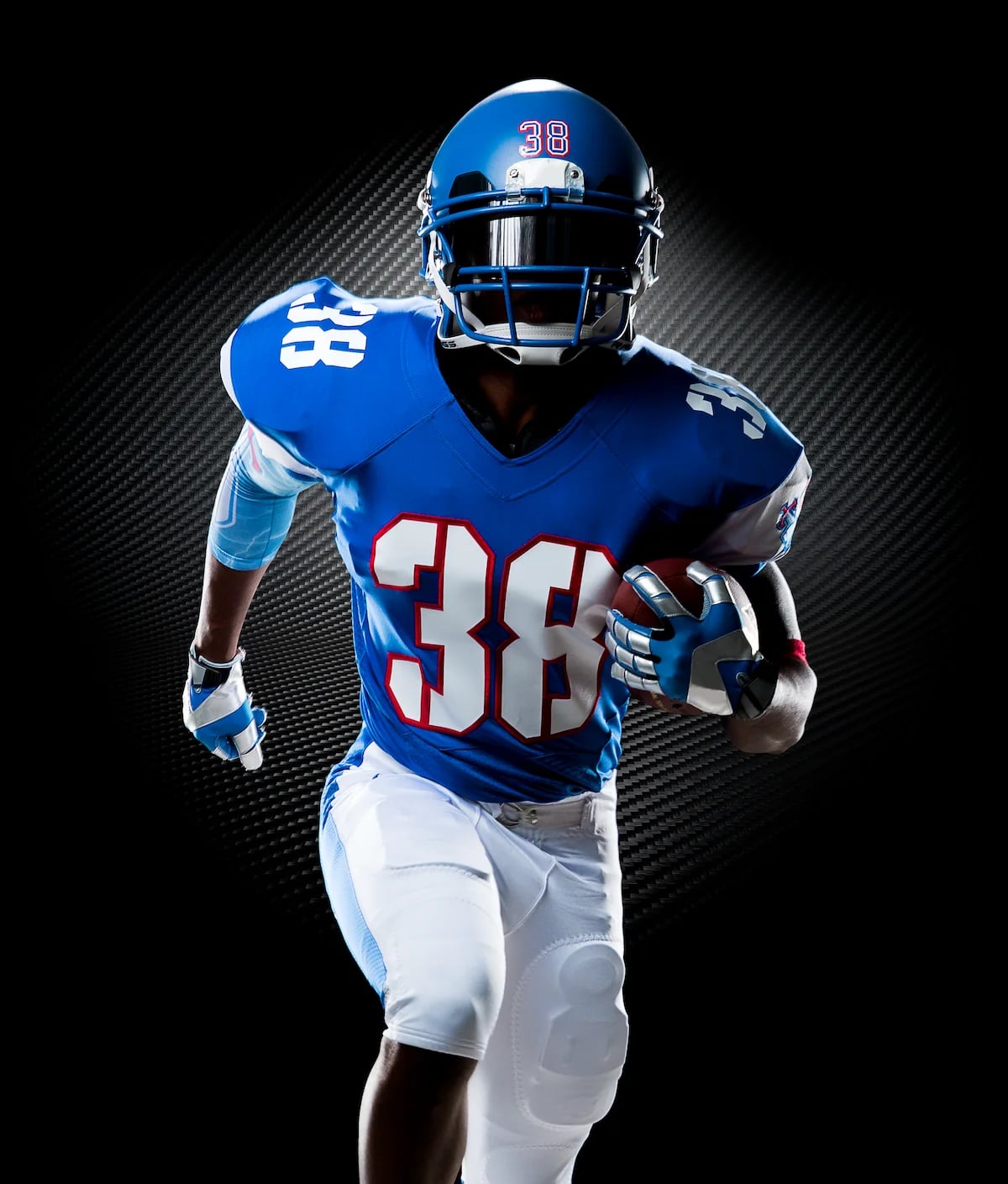
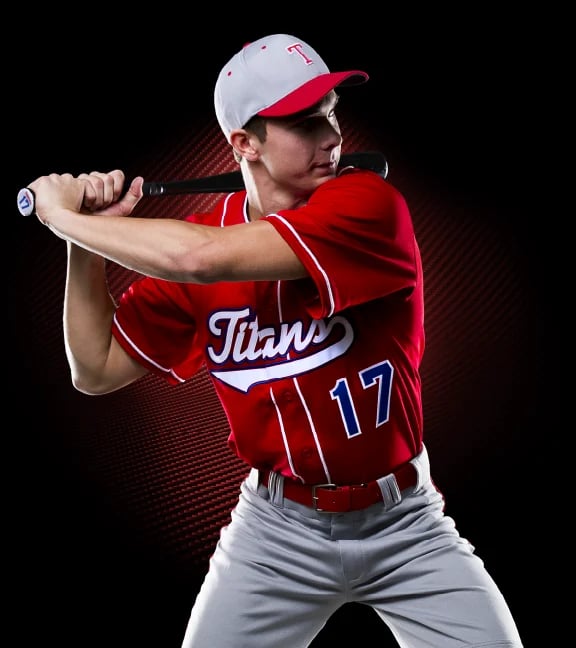
Create artwork for heat transfer vinyl, pressure-sensitive vinyl, direct-to-garment, direct-to-film, digital printing, screen printing, and engraving.

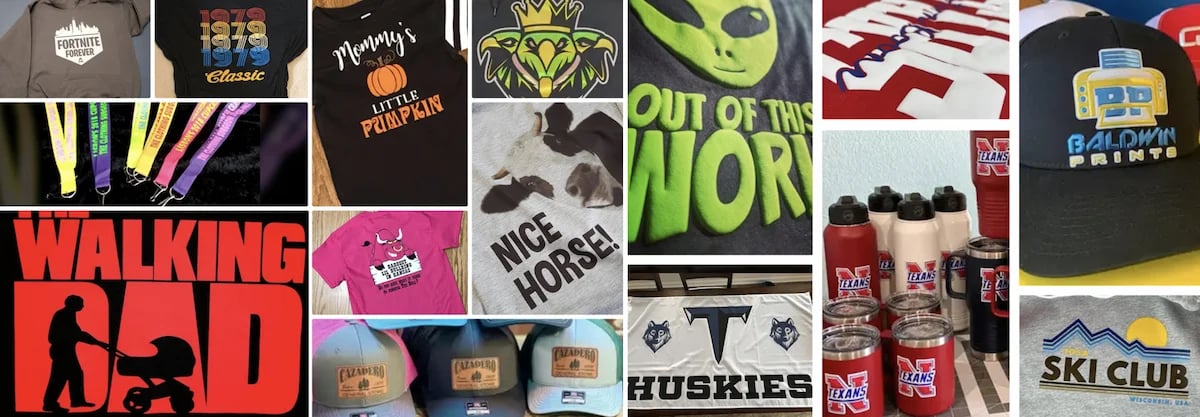
Creative Jump Starts
Design Smarter with the Cadworxlive Asset Library
Kickstart your creativity with a built-in library of ready-to-use design assets.
Why start from scratch when Cadworxlivegives you everything you need to design like a pro? Whether you're creating team uniforms, business signage, or custom gifts, our asset library is packed with resources that speed up your workflow and spark inspiration
Key benefits
Cut-optimized vectors to ensure clean, efficient production.
Flexible customization with text effects, shapes, and layout tools.
Instant inspiration with pre-built templates for apparel, signage, and engraving.
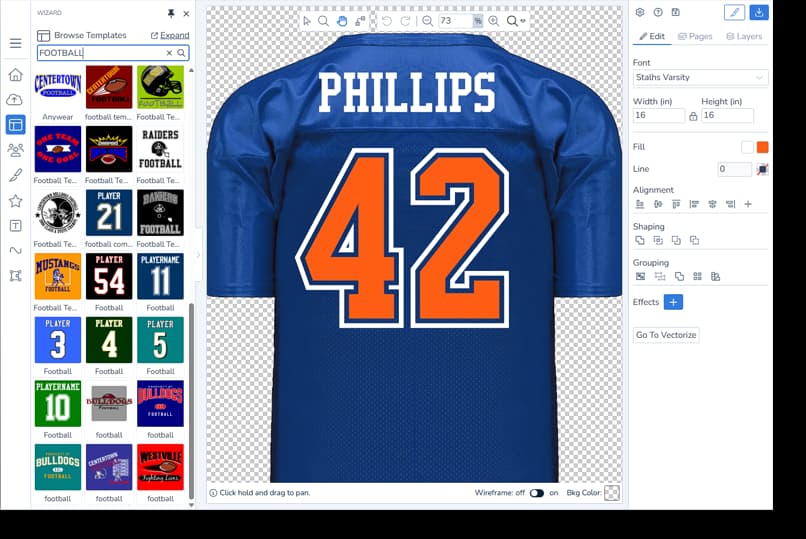
Start designing today with the Cadworxlive Asset Library—always free, always growing.
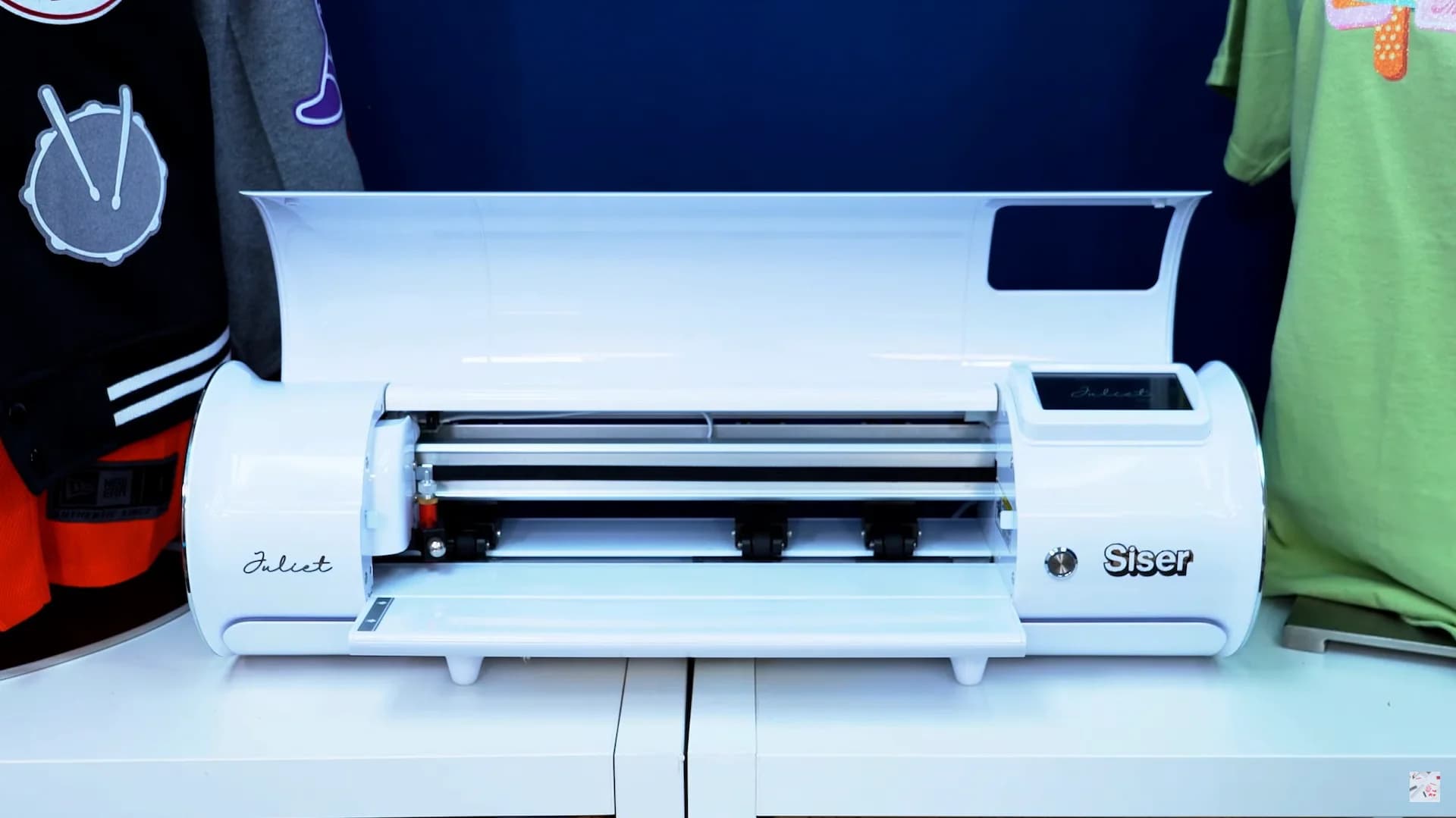
Plug and Play Compatibility
Cadworxliveis more than a design tool—it's built to connect directly with the equipment you already use. With plug-and-play compatibility for today's most popular cutters, printers, and etchers, you can go from artwork to finished product in minutes.
Digital Cutters
Plug in and cut with confidence. Compatible with leading HPGL cutters including Roland, Graphtec, GCC and Siser and more.
Printers & Digital Print/Cut
Generate production-ready files optimized for DTG, DTF, and wide-format digital print and cut workflows.
Laser Etchers & Engraving Systems
Create artwork and export to .pdf, .plt that translate flawlessly to engraving hardware.
Screen Printing
Output clean, layered artwork files ready for separations and press.
Developed by garment decorators,
for garment decorators.
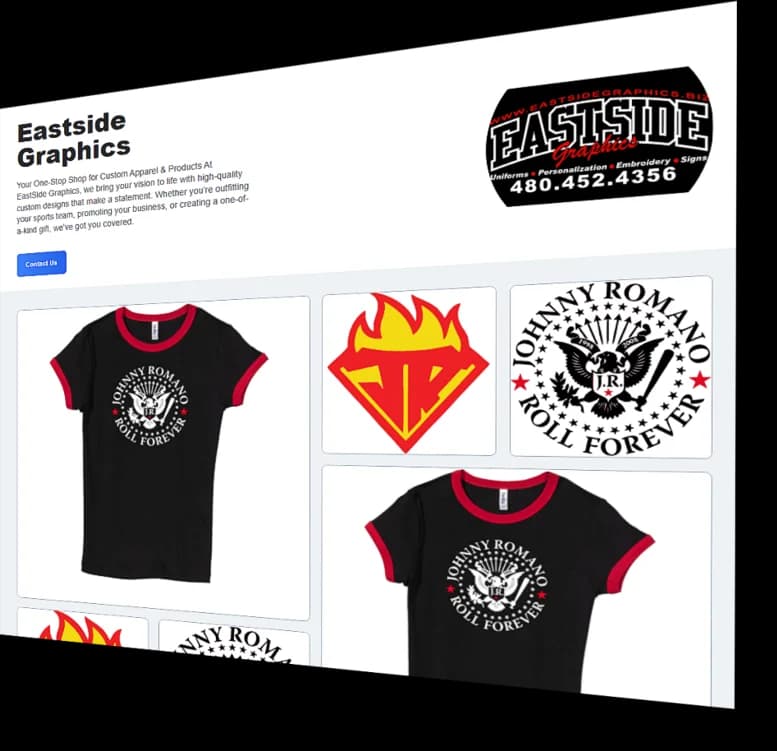
Portfolios - Showcase, Share & Sell
Turn Your Designs Into Shareable Portfolios
With Cadworxlive Portfolios, you can create unlimited digital portfolios to showcase your designs, promote your business, and connect with customers—all in one place.
Create Unlimited Portfolios
Build as many Portfolios as you like. Whether you're pitching a design to a client or showcasing your full range of work, Portfolios make it effortless.
Branded With Your Business
Every Portfolio can feature your company profile and logo, keeping your brand front and center.
Share Anywhere
Each Portfolio generates a unique shareable link you can send by email or post on social media. Put your portfolio directly in front of clients with just one click.
Built-In Contact Form
Make it easy for potential customers to reach out. Every Portfolio includes a Request for Contact form—turning your designs into sales opportunities.
Training, Tips and Trends
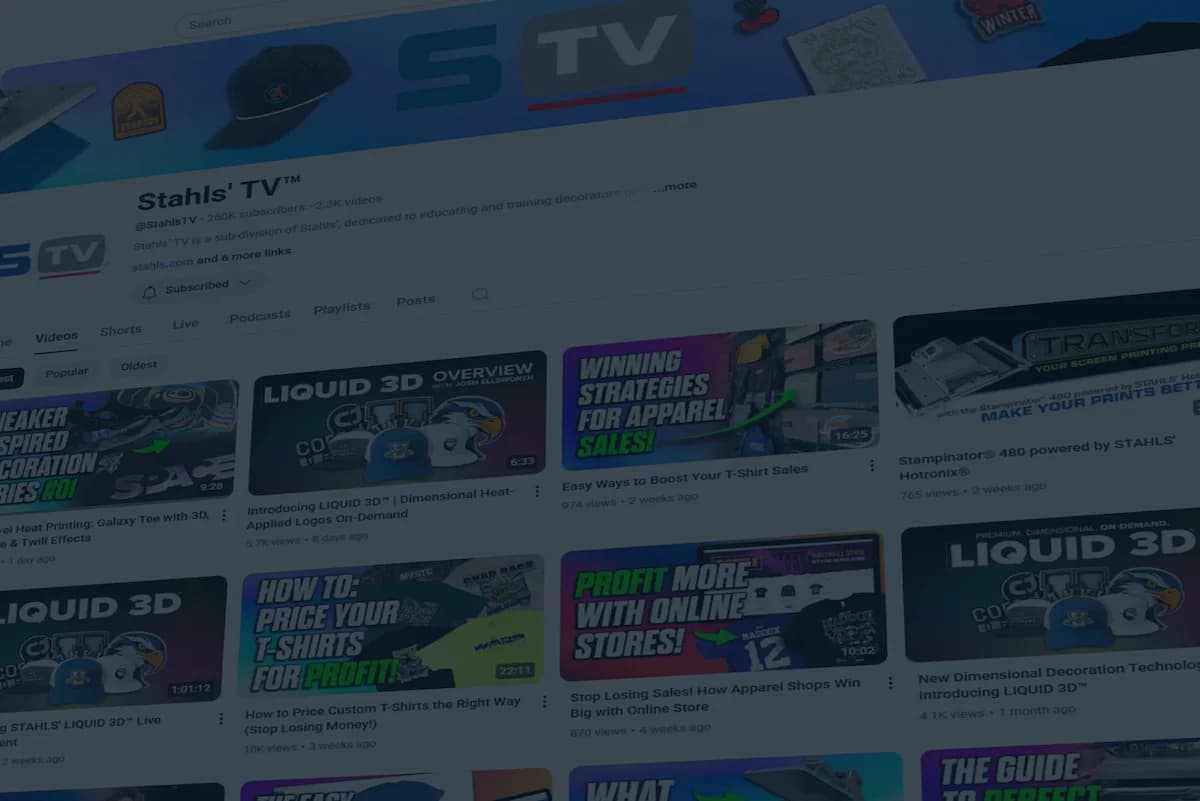
At Cadworxlive, we believe knowledge is just as important as the right tools. That's why we've built a central hub for the decorated apparel community to learn, grow, and stay ahead of the curve. We've compiled the best educational resources from industry leaders including Stahls', Transfer Express, Ted Stahls' Blog, Stahls' TV, and Siser North America—all in one convenient place.
Blog Insights
Explore expert articles covering market trends, new product launches, and step-by-step application instructions that help you get the most out of your equipment and materials.
Training Videos
Watch hands-on tutorials and demos from trusted sources, giving you practical skills you can apply right away in your shop.
Industry Trends
Stay informed about what's happening in decorated apparel so your business can adapt, grow, and stay competitive.

With CadworxliveEducation, our members stay on-trend, in-the-know, and always ready for what's next.
Support
Our Availability
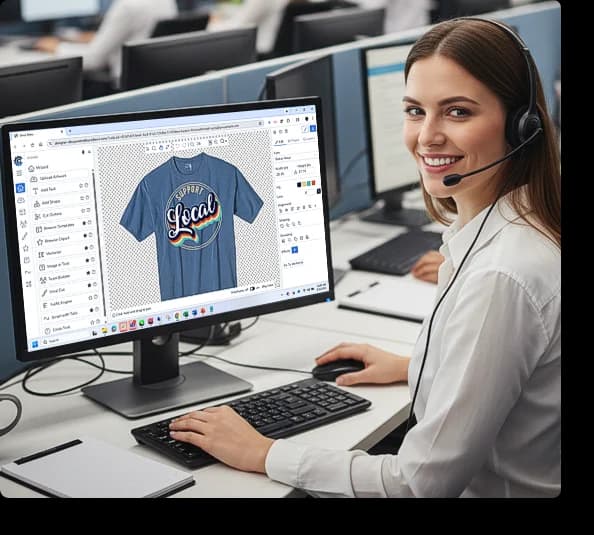
Our staff is available to assist during business hours:
Monday – Friday:8:30 AM EST to 5:00 PM ESTGot a question? We're here to help!
When you partner with us, you get FREE access to our dedicated, professional support team, backed by years of industry experience and expertise. We understand that time is money, which is why we offer reliable, personalized assistance to keep your business running smoothly.
How We Can Help
Our expert staff is ready to assist you with a range of technical and creative needs:
Website & User Account Issues: Need help logging in or navigating your account? We'll get you sorted quickly.
Digital Cutter Support: We provide hands-on help with setup, configuration, and troubleshooting** for your digital cutter equipment.
Artwork Consultation: Get answers to your general artwork questions to ensure your designs are production-ready every time.
We pride ourselves on providing the knowledge and support you need, when you need it.
Trusted by more than 100,000 creators and makers just like you.
Industry-proven for over 17 years with more than 3.3 millions production ready designs created.
100% FREE - No subscriptions, no hidden costs, no limits.
Production-ready designs for nearly every manufacturing process.
Professional Design tools that rival expensive industry software.
17 years of proven reliability and innovation.
Plug and play compatibility with most HPGL digital cutters.
Built by garment decoration professionals who understand your business.